
Scopy Preferences
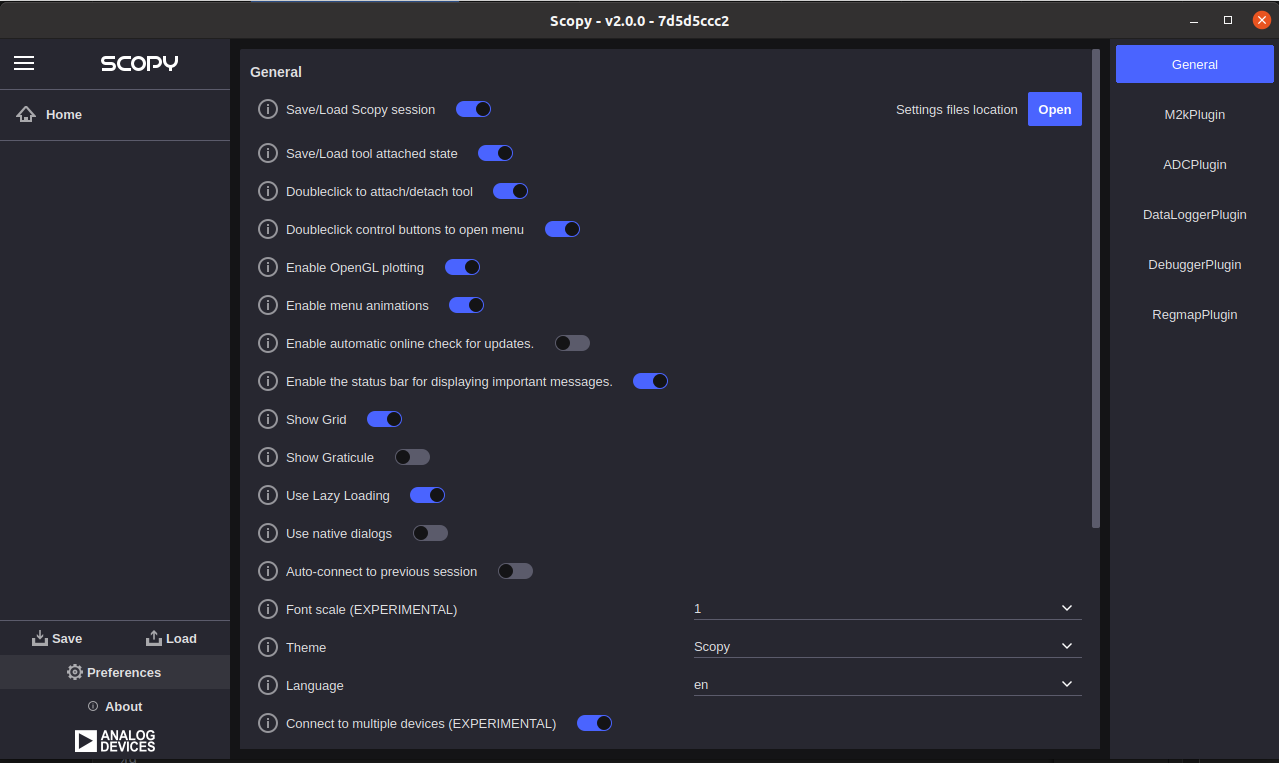
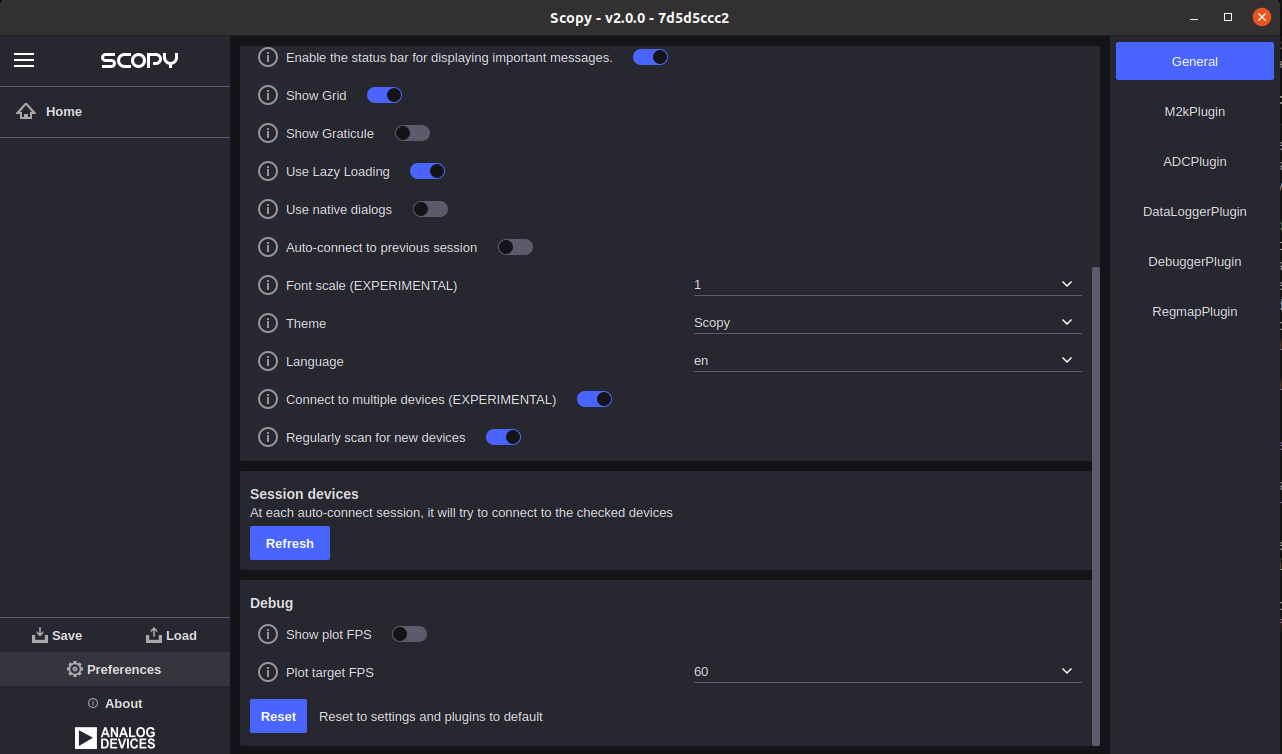
Scopy Preferences can be accessed using the bottom left side preferences button. On the right side of the page, preferences for each plugin are available.
The Open button will try to open the specific OS explorer in order to find the preference storage file.
Clicking the Reset Scopy button will reset the application to a default configuration.
Changing some of the listed preferences will require an application restart. More details on each preference, as well as their ID - used to identify them in the .ini files, can be found in the table below.
ID |
Title |
Description |
|---|---|---|
general_save_session |
Save/Load session |
Allow application to automatically save/load the session using .ini files |
general_theme |
Theme |
Theme setting for the application interface |
general_language |
Language |
Language setting for the application interface |
general_use_opengl |
Enable OpenGL plotting |
Use OpenGL accelerated plotting to speed up the process |
general_use_animations |
Enable menu animations |
Enable smooth sliding transition effect for menus |